Page 5 of 5
Re: Serraphim's W.I.P
Posted: 4 Dec 2012, o 19:37
by Serraphim
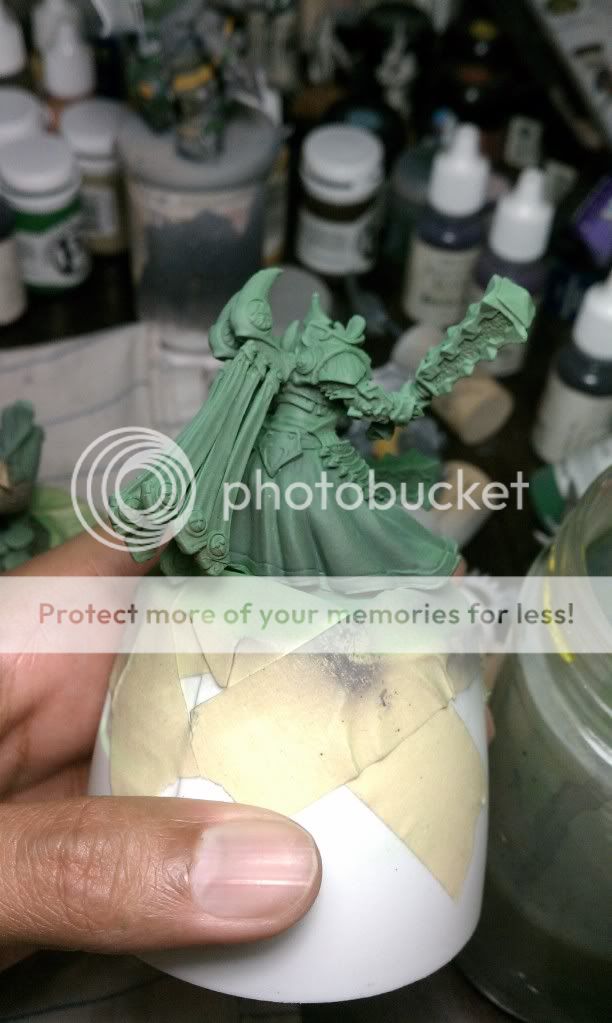
Nameless wrote:do I see a lot of mold lines?
Ugh, how did I miss that one?? How would I go about fixing it without it being too obvious that something went wrong? Scrape it off, then put a thicker layer of the surrounding colour on it?
Re: Serraphim's W.I.P
Posted: 4 Dec 2012, o 19:41
by Nameless
make pics from a different angle?
sorry, but I can't see any reasonable way... either leave the lines and pretend they are not there, or remove them in a standard way and start from the beginning....
Re: Serraphim's W.I.P
Posted: 4 Dec 2012, o 19:58
by Serraphim
Nameless wrote:make pics from a different angle?
sorry, but I can't see any reasonable way... either leave the lines and pretend they are not there, or remove them in a standard way and start from the beginning....
I'll take some more tonight.
Re: Serraphim's W.I.P
Posted: 4 Dec 2012, o 20:09
by Nameless
I was only kidding when I mentioned different angles

Re: Serraphim's W.I.P
Posted: 4 Dec 2012, o 20:21
by Serraphim
I guess ignore them is my option. Do you have any tricks for mold lines? I'm thinking of using a black ink while cleaning so that I can see them easier.
Re: Serraphim's W.I.P
Posted: 4 Dec 2012, o 20:28
by Nameless
tricks? after priming I check the mini again for any mold lines (they are more visible with a primer on). if I find any, I remove them and re-prime the mini
Re: Serraphim's W.I.P
Posted: 13 Dec 2012, o 18:26
by Serraphim
Re: Serraphim's W.I.P
Posted: 13 Dec 2012, o 19:06
by Pandadosmares
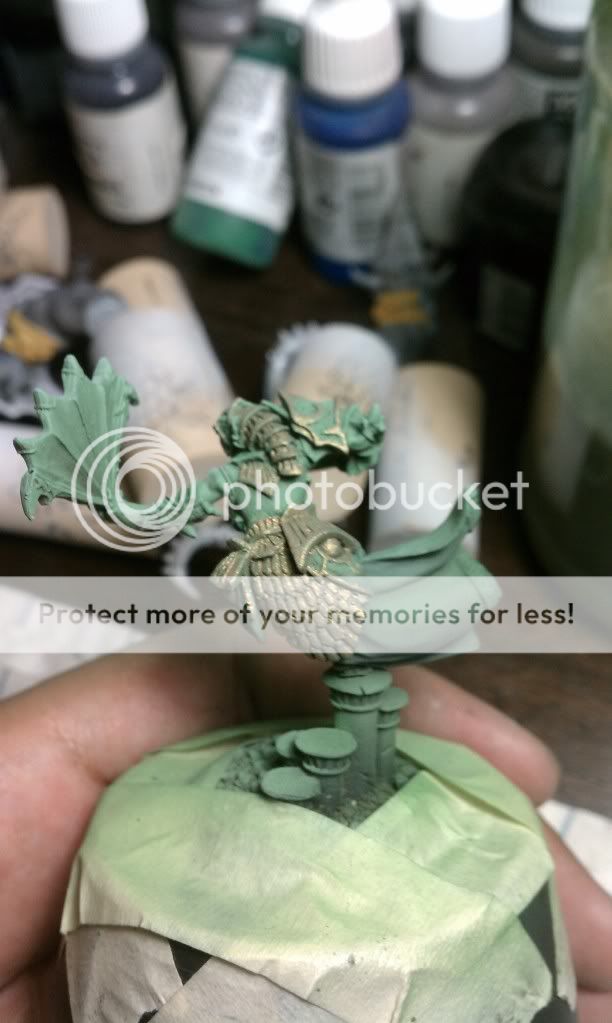
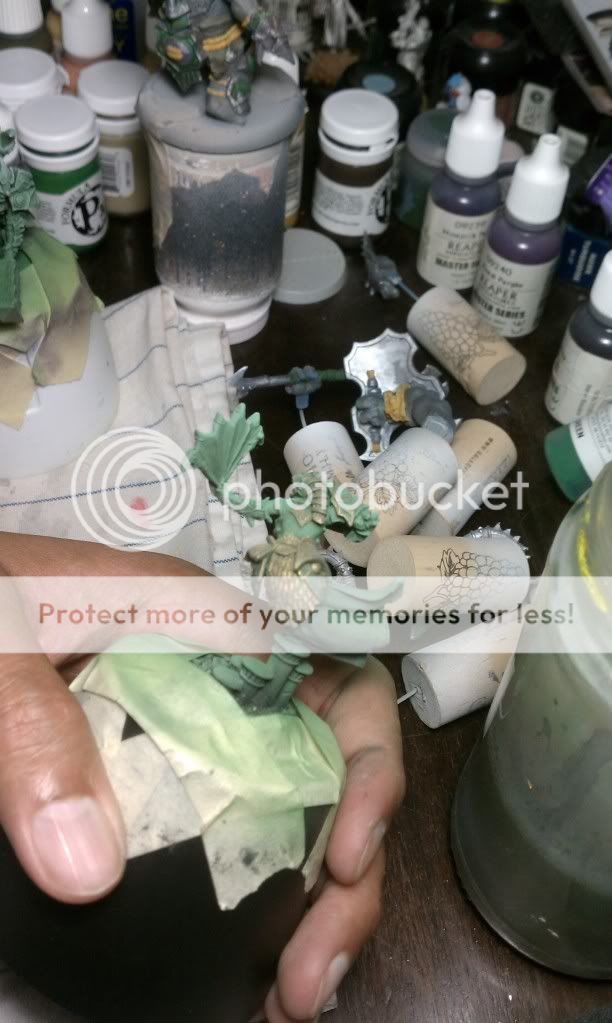
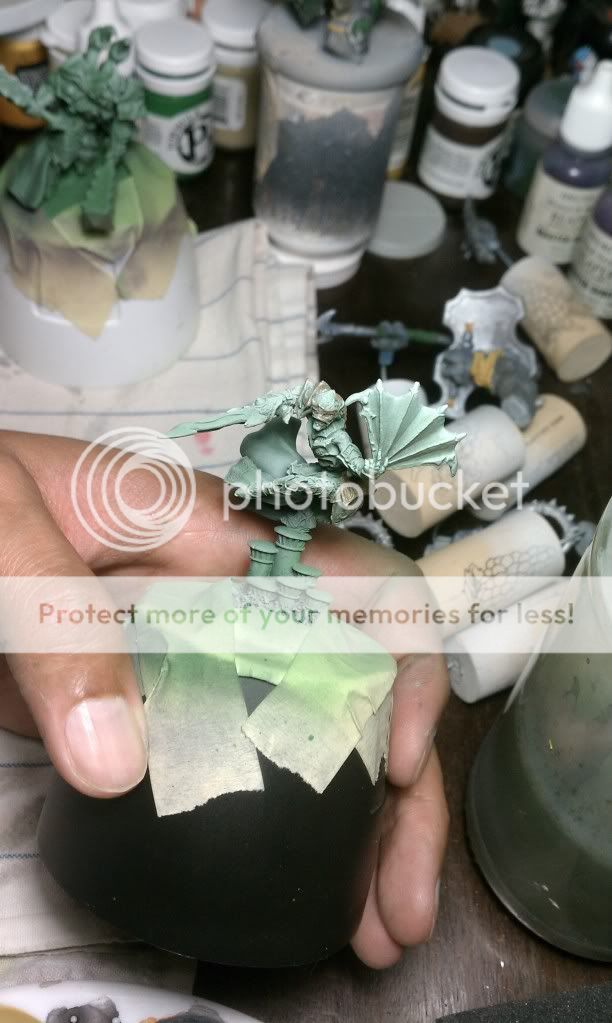
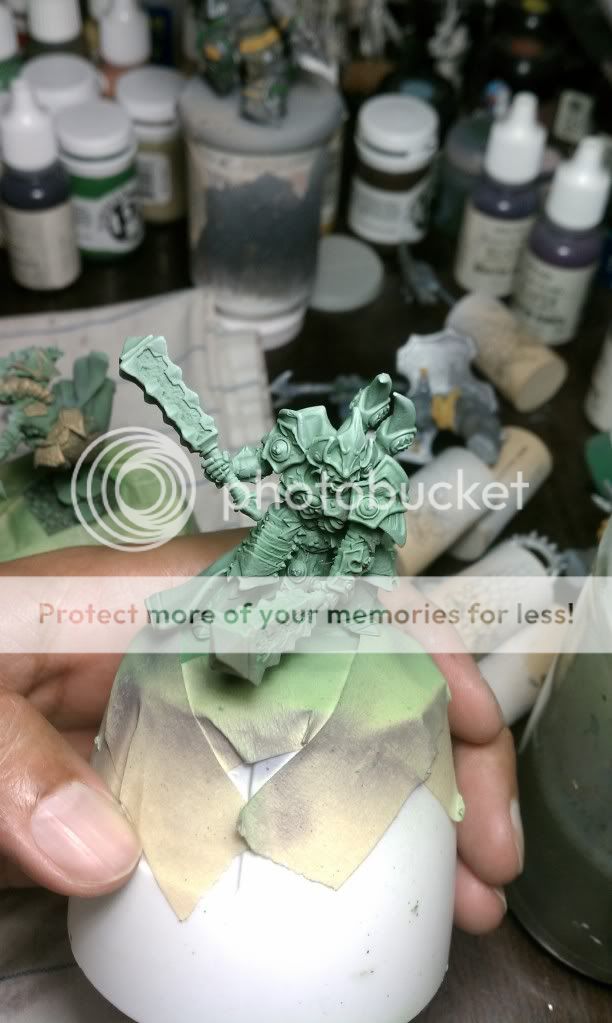
Metalics are diferent from other colors they arent pigments but more a kind of flakes thats why they look more like a copper/bronze look.
Try always to use a brownish color has a base for the gold, other way is to make another layer in the photos i can see the base color

 Click to see full-sized image
 Click to see full-sized image
 Click to see full-sized image
 Click to see full-sized image
 Click to see full-sized image