Midnight Lurker's Crap

Post your "Work In Progress" photos here.
Forum rules
Post pictures and discussions regarding works in progress here, please. If you have photos of these works when they're completed, feel free to post them to the right section and feel free to add the link in your post about the work in progress.
Midnight Lurker
Posts: 51
Joined: 5 Mar 2010, o 02:59
Contact:

Re: Midnight Lurker's Crap

Post by Midnight Lurker »

I finally got a little time to play this week so here's a tiny update. I tweaked the hair, brought out the midtones some more and shifted the highlights. Hopefully it reads a little better now.

I tried to work on the spear blade too.... I twisted the staff so that it faces forward more. My shadows are now pure black. Eventually I gave up on trying to paint it with dual planes and just blended straight across the faces. It simplified things, but there's still something wrong. :roll: Looking at the pics I can see that once again I have lost all my midtones. The pure white area needs to shrink down some I think and I probably need to add in some under reflections too...

To my eye it still looks like stone, not metal. Is this actually looking like metal and for whatever reason I'm just not seeing it? I have to wonder if I'm losing perspective. Don't candy coat it. Give me the brutal truth. I can take it.

Laters,
Jen

ImageClick to see full-sized image
Image
Sarrazon
Posts: 164
Joined: 27 May 2010, o 00:03

Re: Midnight Lurker's Crap

Post by Sarrazon »

It looks very nice, the skin especially, and the hair looks much more realistic than it did before. As for the NMM, I'm not really the one to ask, but I think you've got too much in the way of highs and lows, and not enough in the middle. Space it out a bit. I also think that the shadows being pure black throws the look off a bit, but again, I know very little about NMM.
pae
Posts: 359
Joined: 1 Dec 2006, o 00:13
Location: Colorado, USA
Contact:

Re: Midnight Lurker's Crap

Post by pae »

See, I think the real trick to NMM is having quick transitions from shadow to highlight, and that a lot of midtone makes it look more like stone.

I like the spearhead here. The backside of the dagger looks really good too. The frontside I'm having trouble with. Perhaps it's the angle that she's holding the blade that's throwing me off.

I'll leave all of the *other* comments we made about this last Saturday out of it. Of course, now I've opened up that can of worms. :-D
Maru
Camera Expert
Camera Expert
Posts: 3631
Joined: 4 Jun 2005, o 01:22

Re: Midnight Lurker's Crap

Post by Maru »

Don't candy coat it. Give me the brutal truth. I can take it.
you wish will be done

you made ther a perfect spoon a metal spoon - so yes it is NMM but not spear as such wepon will react to light difrently - it is Spoon

about over all painting - it is soooo clean ^^
ok toomy reqire a litle more work .. to flat compared to baloons , end rest
"GOOD RACK CAN MAKE A DONKEY ATTACK LION"
https://maru.worldblogcafe.com/
Image
mahon
Super Villain
Super Villain
Posts: 23961
Joined: 31 Mar 2005, o 23:36
Location: Poznan, Poland
Contact:

Re: Midnight Lurker's Crap

Post by mahon »

Maru, now I can only see a spoon. You ruined the spear tip for me :(
-- Mahoń

Image

Back in the garage with my bullshit detector
Nameless
The Better Choice
The Better Choice
Posts: 17415
Joined: 21 Jun 2005, o 17:41
Location: Silesia, Poland
Contact:

Re: Midnight Lurker's Crap

Post by Nameless »

here, Mahon,this should help
https://www.youtube.com/watch?v=dzm8kTIj_0M
Image
mahon
Super Villain
Super Villain
Posts: 23961
Joined: 31 Mar 2005, o 23:36
Location: Poznan, Poland
Contact:

Re: Midnight Lurker's Crap

Post by mahon »

:lolsign: I still can see it. will be haunting me till the end of my days ;)
-- Mahoń

Image

Back in the garage with my bullshit detector
Midnight Lurker
Posts: 51
Joined: 5 Mar 2010, o 02:59
Contact:

Re: Midnight Lurker's Crap

Post by Midnight Lurker »

Thanks for the honest feed back you guys. It's nice to know that if it looks bad you will tell me. I think that is one of the most valuable things I see here on this board. I appreciate your brutal truth. :D It makes me trust you when you say that something is good!

I agree about the spoon thing (although I saw it more like a Q-tip), so a brought back the dual plane of the blade. I'm still not at all happy with it, but it's time to call it quits and move on to the next project.

So now that the mini is done, I'm frustrated trying to get a good photo of it.

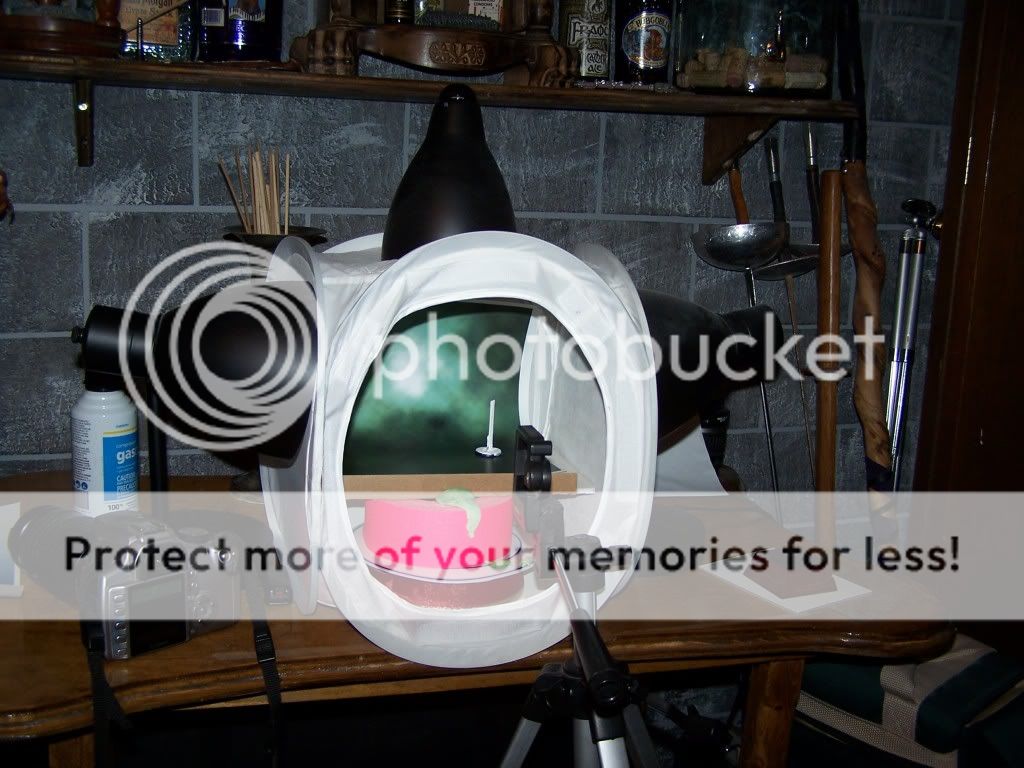
Just so you guys know what I'm working with, here's a shot of my photo booth. All three lamps have the exact same daylight bulbs and I shoot at night with all the other ambient room lights turned off. I use a tripod and a timer. The white thing inside the box is a popsicle stick painted with titanium white to use for white balancing. Ignore the camera you see in the pic... What I use is a cheesy old point-and-shoot Kodak easy share. I have tried to play with my hubby's Digital SLR but I actually get better results from my Kodak!
ImageClick to see full-sized image

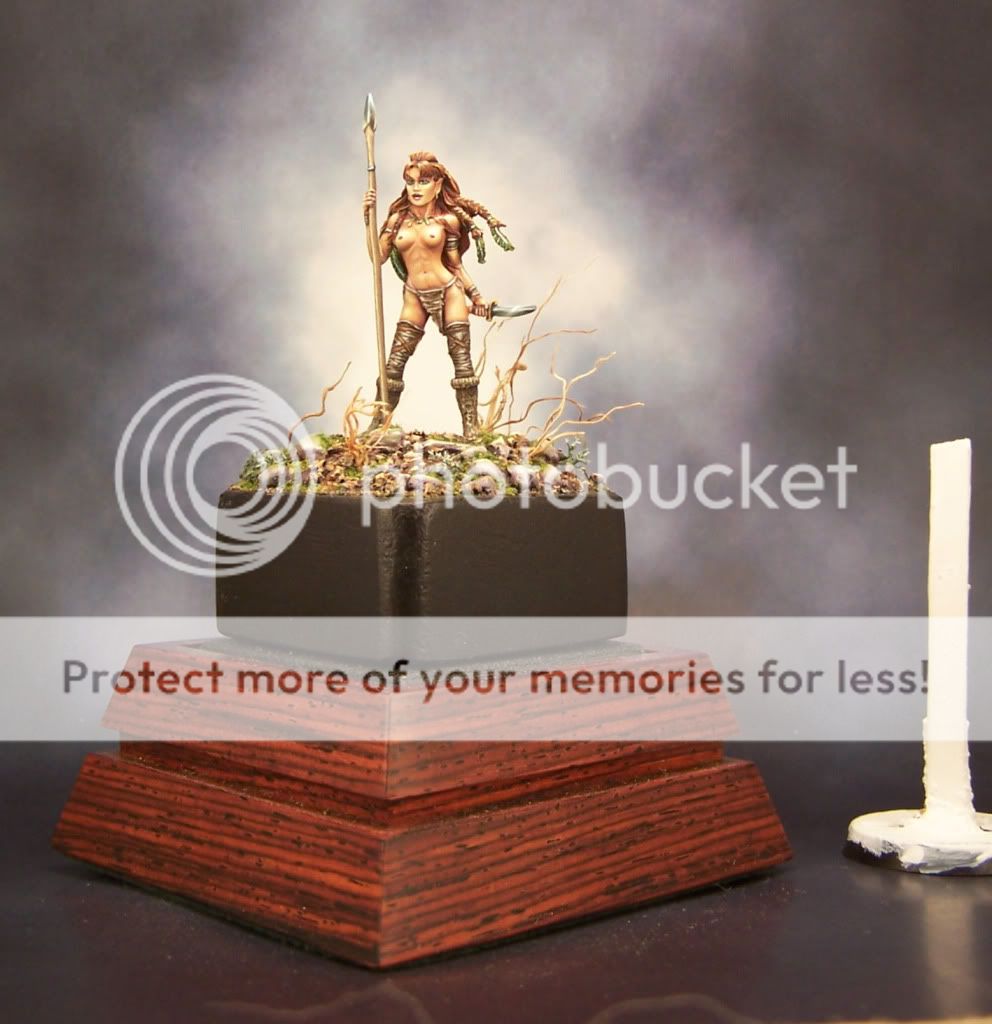
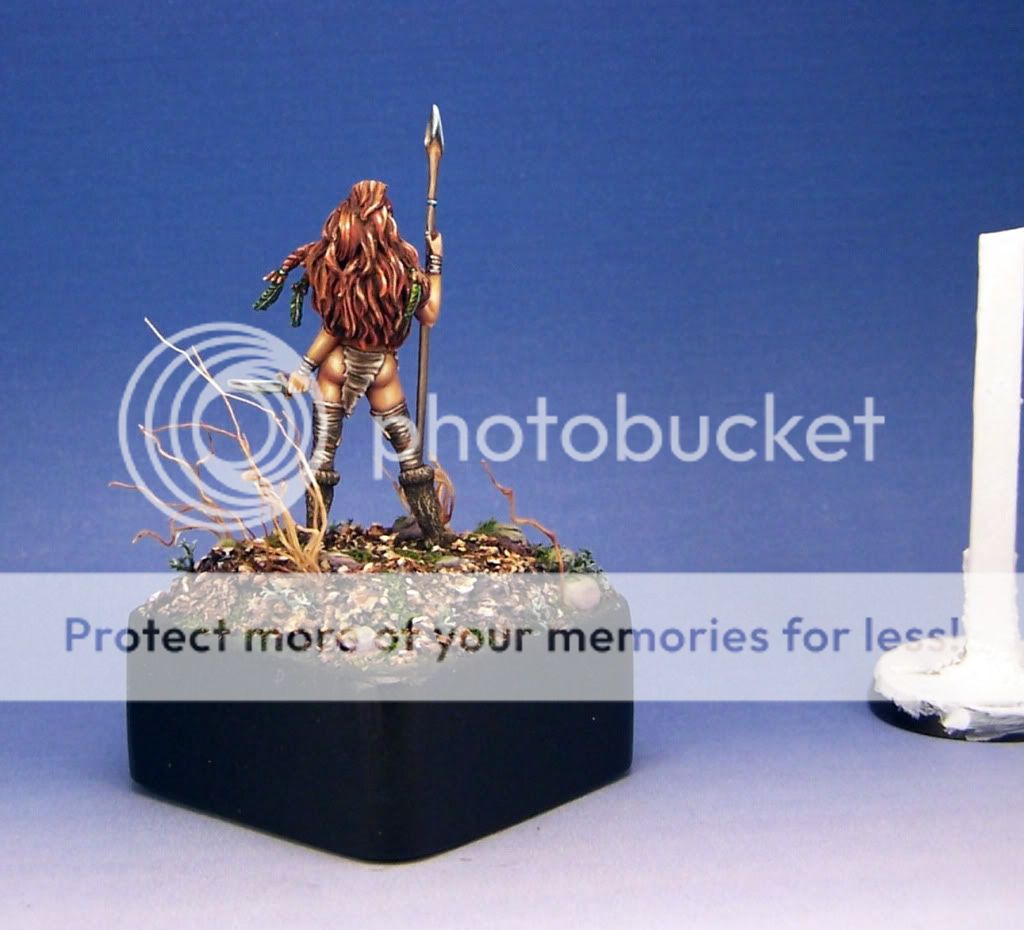
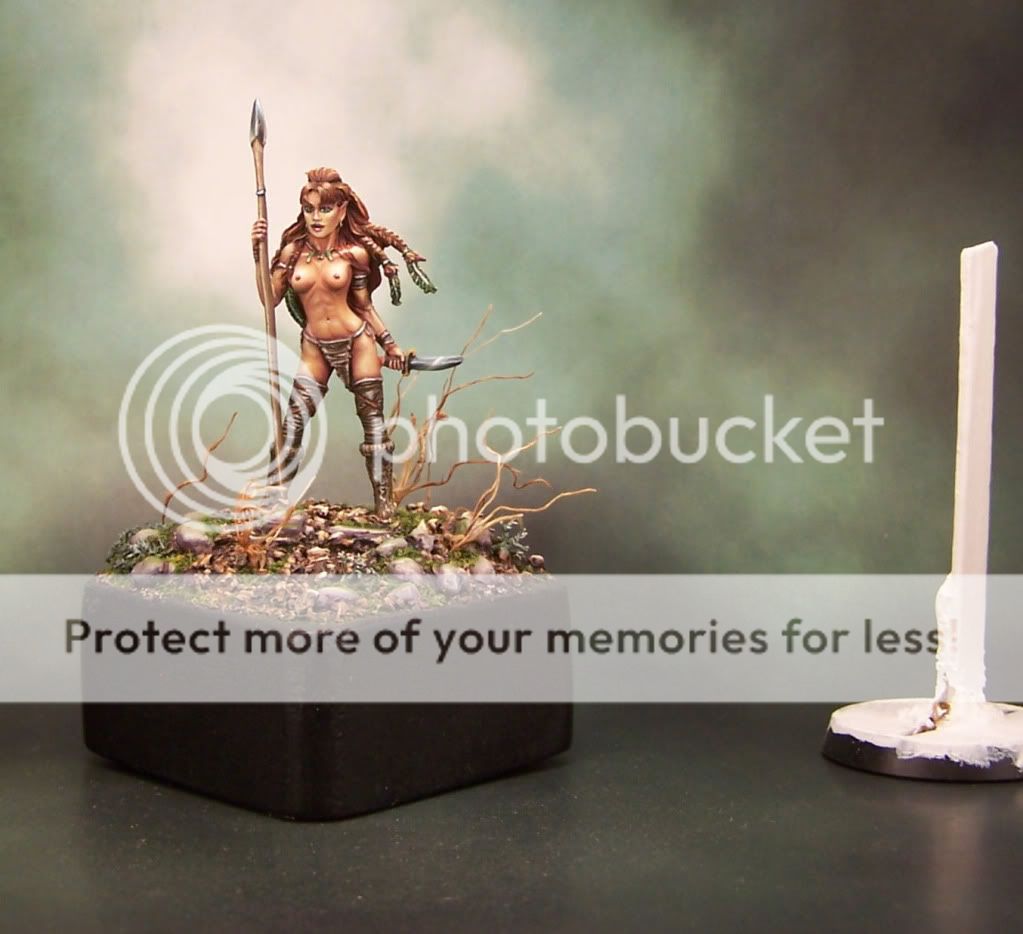
When I use my traditional favorite set up I have always gotten decent results. I wanted to try something new this time. I shot it on a display plinth and I also used new backdrops. (Thanks Corvus!) One of the backdrops is green, one is blue and one is gray. The colors are really off... I can tell which one is the green, but the blue and gray look exactly the same to me. And the mini itself looks really over exposed and washed out... :(

ImageClick to see full-sized image

So I thought that maybe the red tones in the display plinth were messing things up and I tried to re-shoot with just the black base. Didn't make much difference....
ImageClick to see full-sized image

Okay... Maybe the problem is the backdrop... Revert to traditional blue backdrop and put the wooden display plinth back in. Still not right.
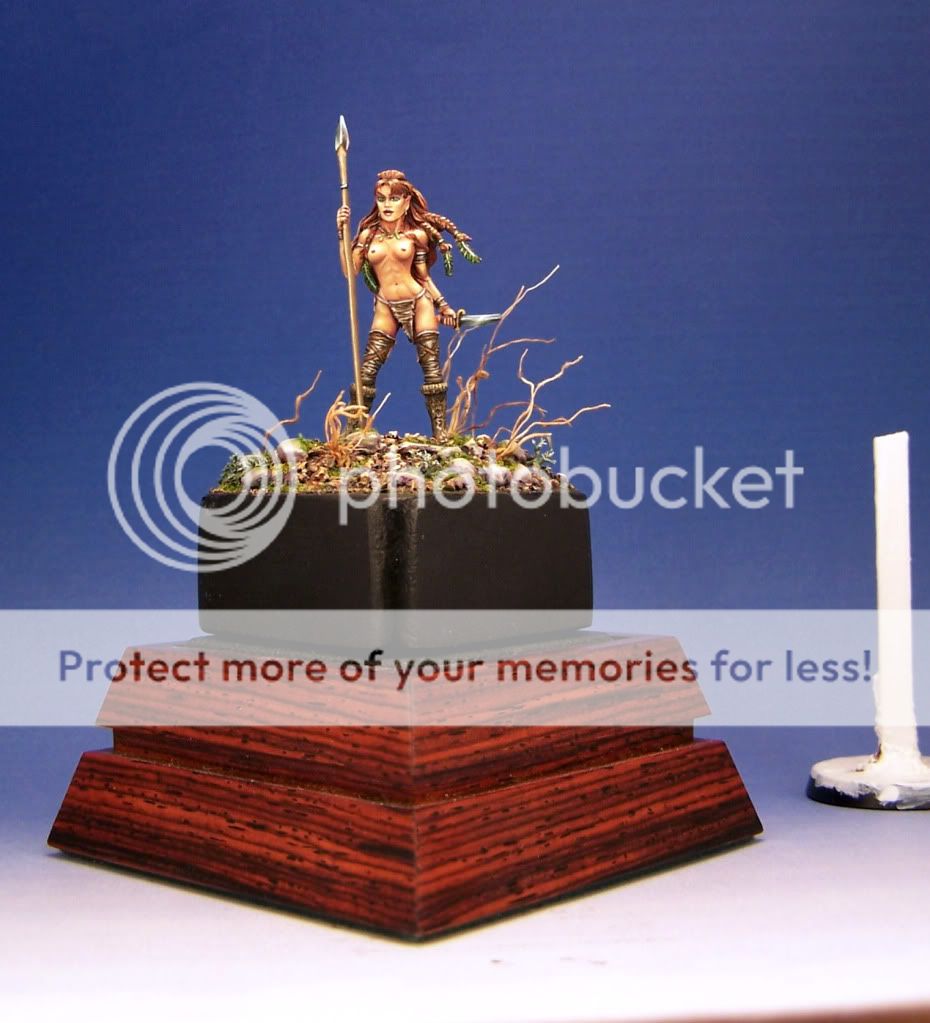
ImageClick to see full-sized image

I'm happy that I finally got something acceptable (sort of anyway) by I ditching both the wood plinth *and* the new backdrops, but I wish I could figure out what I did wrong. Plain blue gradient is boring.
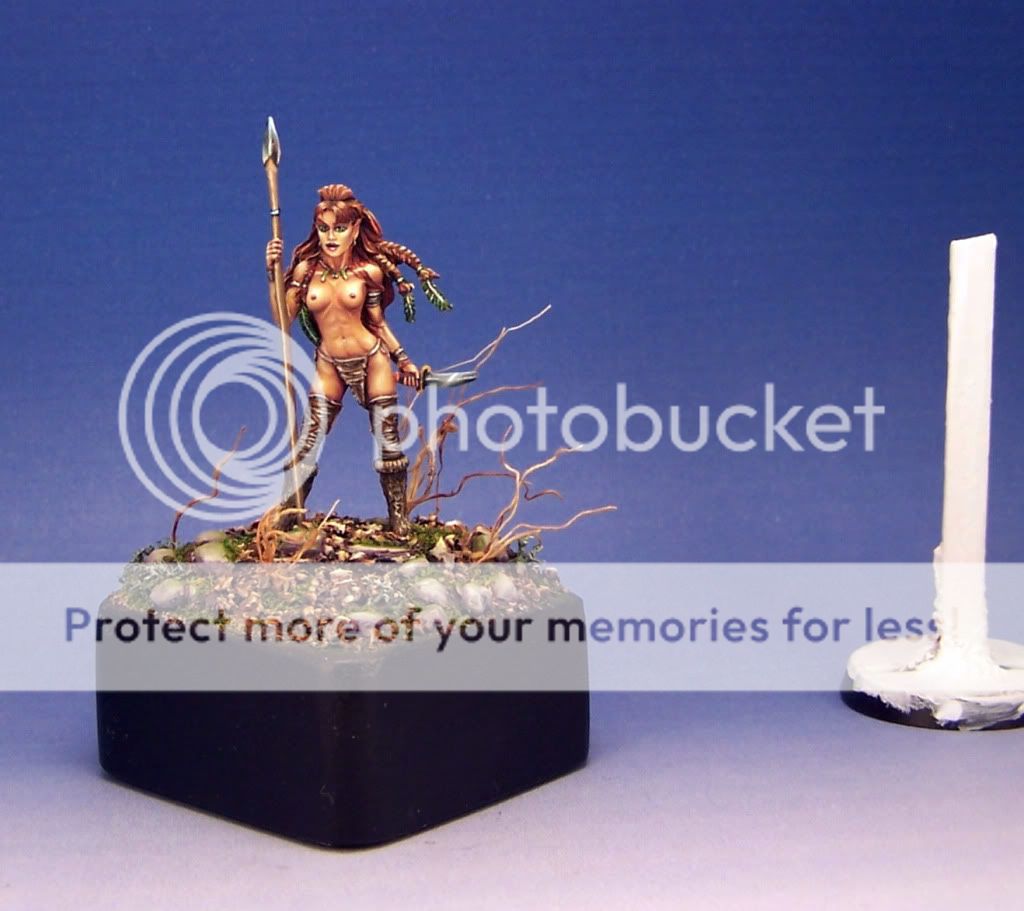
ImageClick to see full-sized image

If you remember from the OP, this is destined as a gift for someone, so this is the only chance I will ever have to take pictures of it. I hope someone can suggest a fairly simple change that does NOT involve too much photo shop type skills. I'm not very good with computers at all and am easily overwhelmed with manual camera settings. That's precisely why I always use backdrops instead of making an photo shop gradient and "dropping it in".

What am I doing wrong here?

Jen
Image
pae
Posts: 359
Joined: 1 Dec 2006, o 00:13
Location: Colorado, USA
Contact:

Re: Midnight Lurker's Crap

Post by pae »

How are you doing the white balancing, Jen?
Midnight Lurker
Posts: 51
Joined: 5 Mar 2010, o 02:59
Contact:

Re: Midnight Lurker's Crap

Post by Midnight Lurker »

Using Corel Paint Shop Pro X, and go to Adjust---> Color Balance (which has a smart white balance feature). It balances stuff off of the white stick and then I crop out the stick.

I don't know how to do much more than "auto-this" and "auto-that". I finally bought Photoshop (CS3?), but it's so complicated that I never got the hang of using it.
Image
Post Reply