Thanks for the honest feed back you guys. It's nice to know that if it looks bad you will tell me. I think that is one of the most valuable things I see here on this board. I appreciate your brutal truth.

It makes me trust you when you say that something is good!
I agree about the spoon thing (although I saw it more like a Q-tip), so a brought back the dual plane of the blade. I'm still not at all happy with it, but it's time to call it quits and move on to the next project.
So now that the mini is done, I'm frustrated trying to get a good photo of it.
Just so you guys know what I'm working with, here's a shot of my photo booth. All three lamps have the exact same daylight bulbs and I shoot at night with all the other ambient room lights turned off. I use a tripod and a timer. The white thing inside the box is a popsicle stick painted with titanium white to use for white balancing. Ignore the camera you see in the pic... What I use is a cheesy old point-and-shoot Kodak easy share. I have tried to play with my hubby's Digital SLR but I actually get better results from my Kodak!
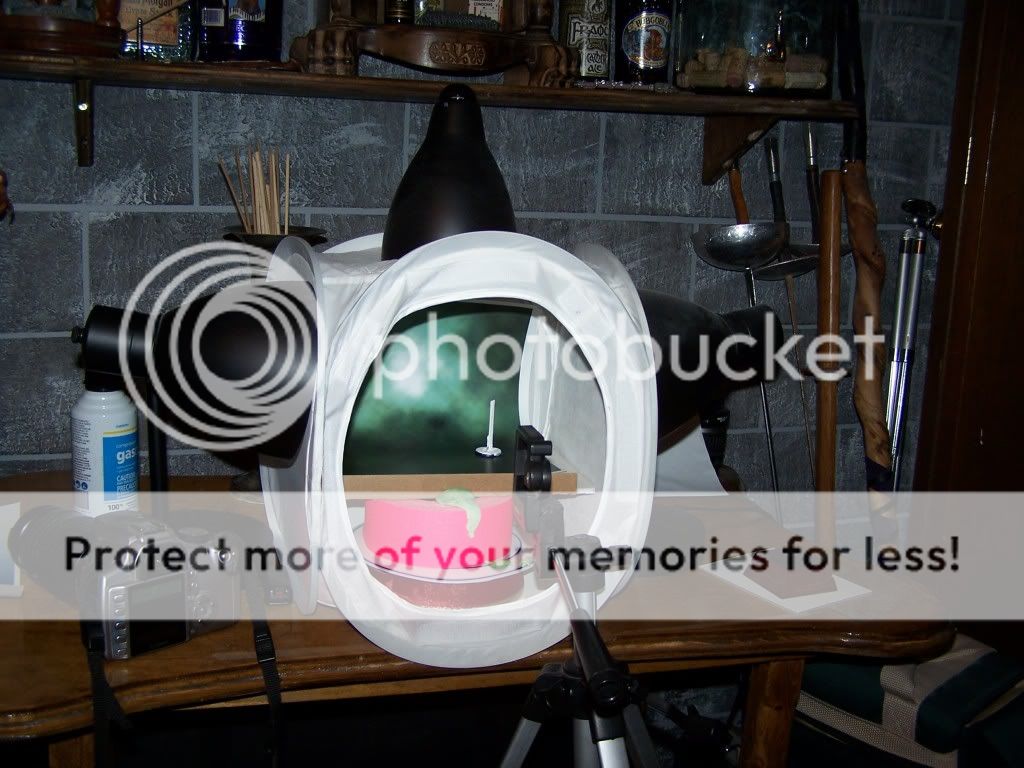 Click to see full-sized image
When I use my traditional favorite set up I have always gotten decent results. I wanted to try something new this time. I shot it on a display plinth and I also used new backdrops. (Thanks Corvus!) One of the backdrops is green, one is blue and one is gray. The colors are really off... I can tell which one is the green, but the blue and gray look exactly the same to me. And the mini itself looks really over exposed and washed out...

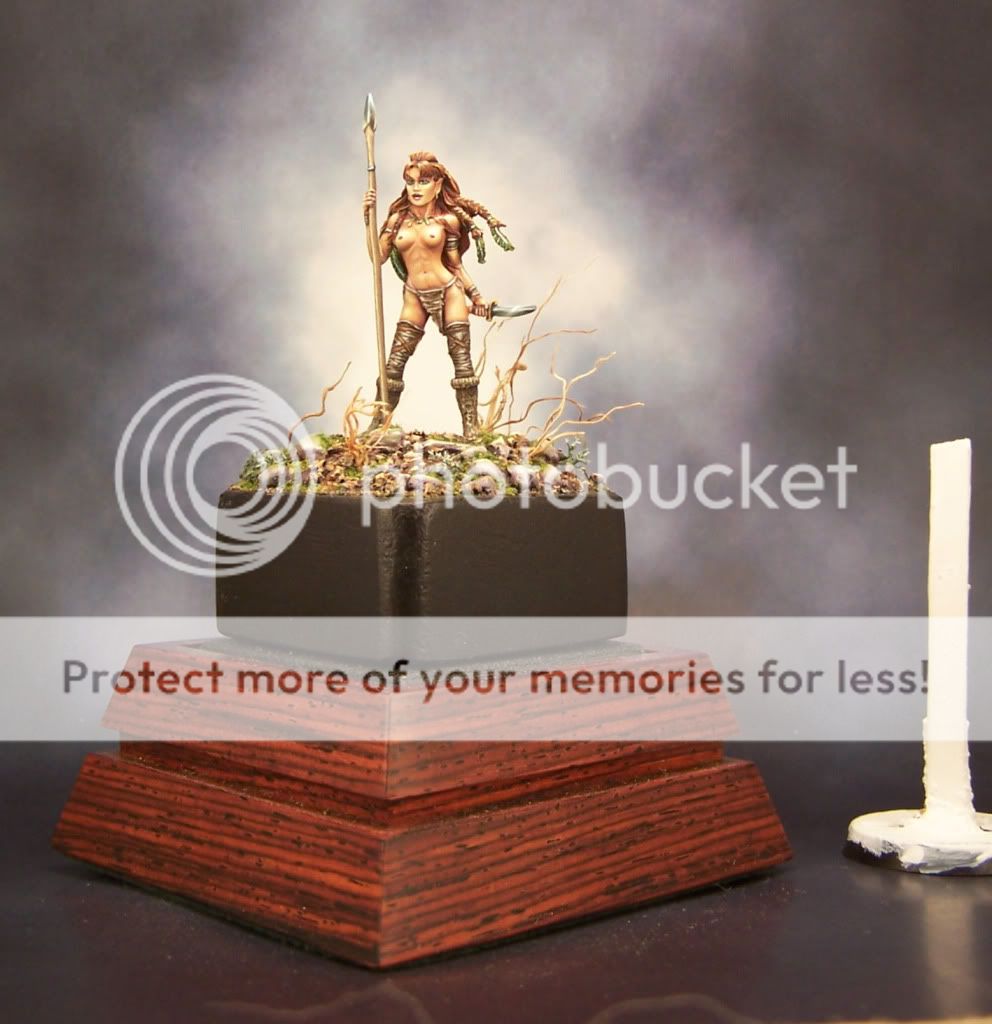 Click to see full-sized image
So I thought that maybe the red tones in the display plinth were messing things up and I tried to re-shoot with just the black base. Didn't make much difference....
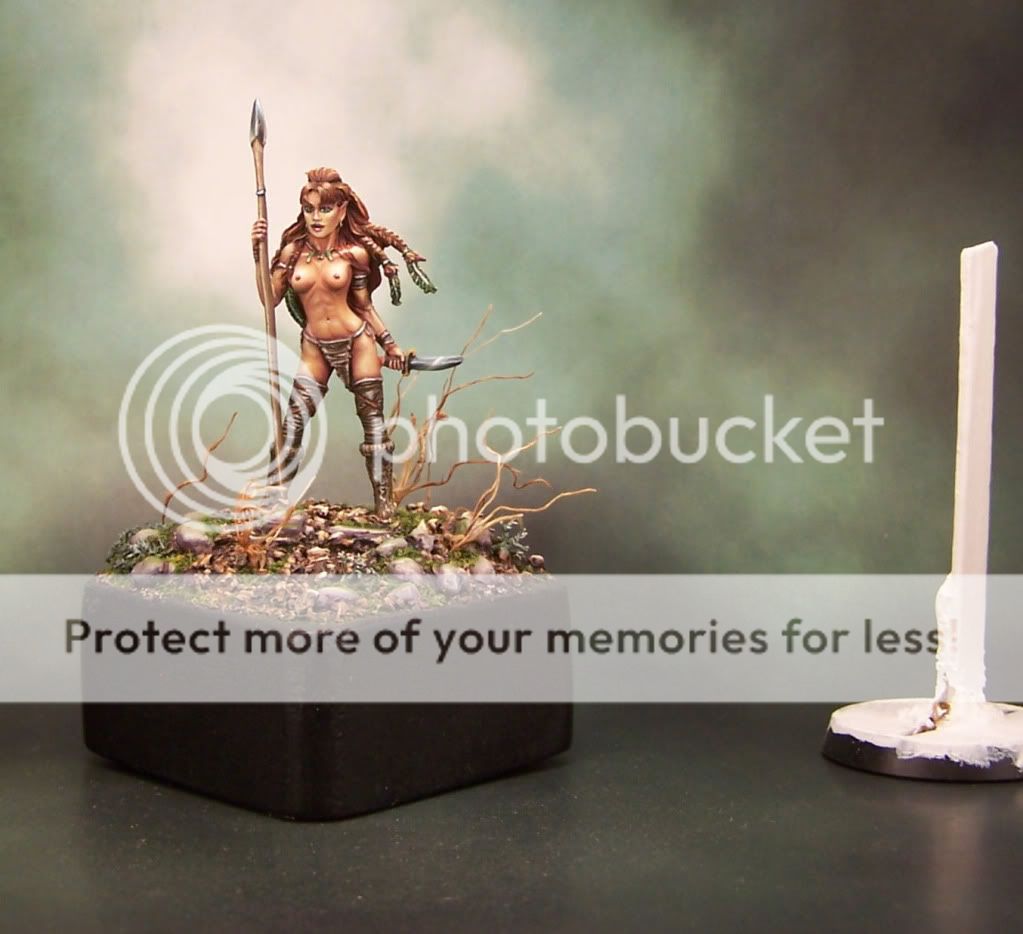 Click to see full-sized image
Okay... Maybe the problem is the backdrop... Revert to traditional blue backdrop and put the wooden display plinth back in. Still not right.
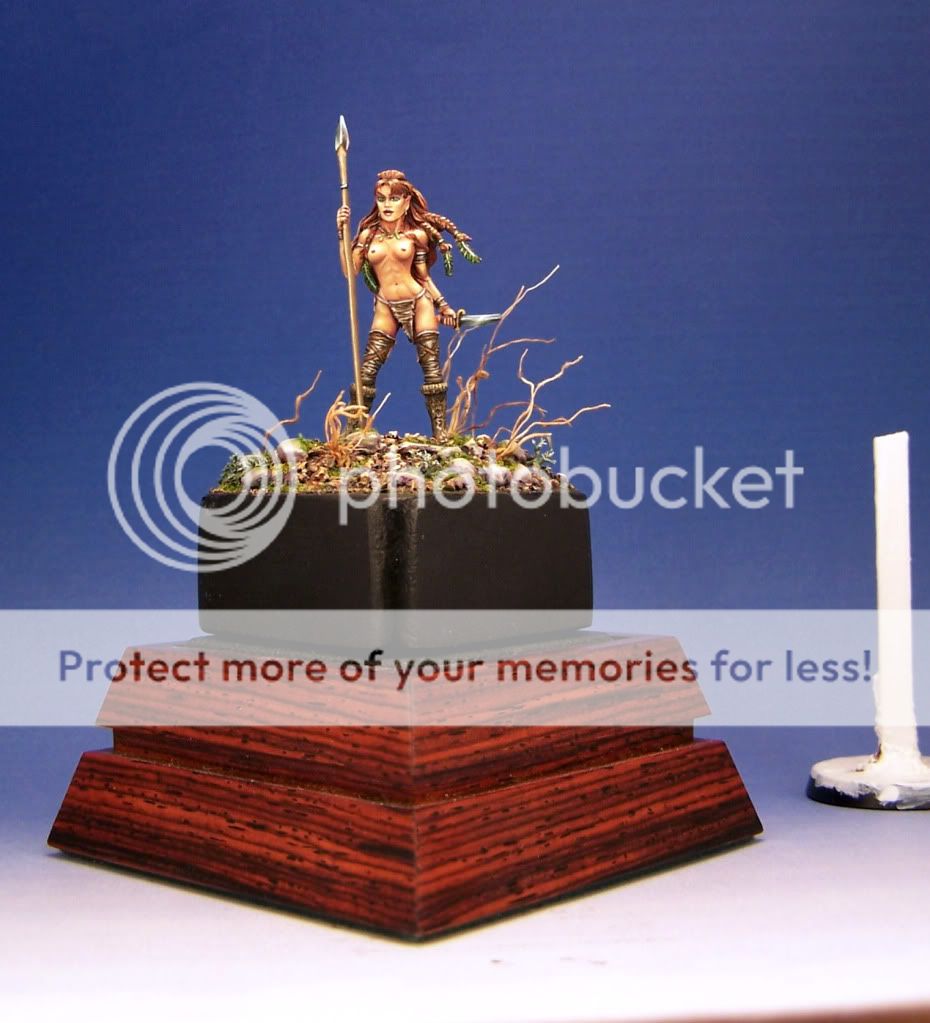 Click to see full-sized image
I'm happy that I finally got something acceptable (sort of anyway) by I ditching both the wood plinth *and* the new backdrops, but I wish I could figure out what I did wrong. Plain blue gradient is boring.
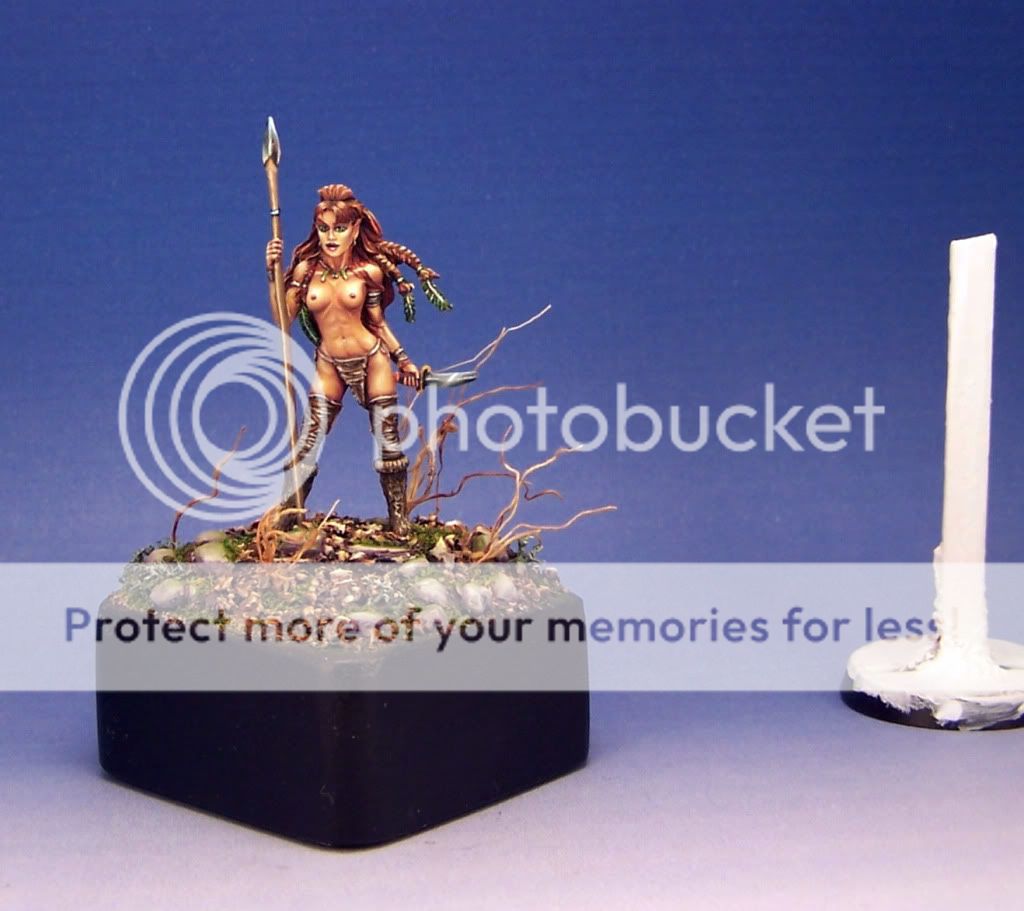 Click to see full-sized image
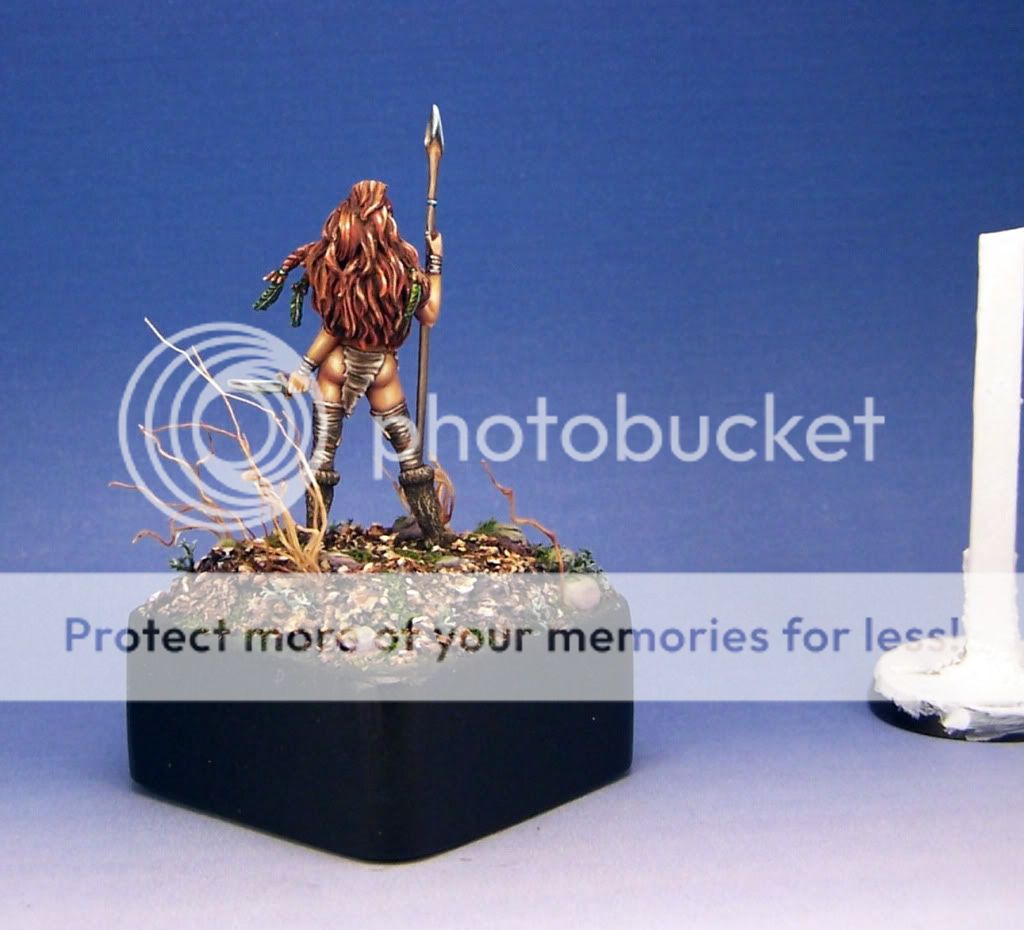 Click to see full-sized image
If you remember from the OP, this is destined as a gift for someone, so this is the only chance I will ever have to take pictures of it. I hope someone can suggest a fairly simple change that does NOT involve too much photo shop type skills. I'm not very good with computers at all and am easily overwhelmed with manual camera settings. That's precisely why I always use backdrops instead of making an photo shop gradient and "dropping it in".
What am I doing wrong here?
Jen
 Looking at the pics I can see that once again I have lost all my midtones. The pure white area needs to shrink down some I think and I probably need to add in some under reflections too...
 Click to see full-sized image




 I still can see it. will be haunting me till the end of my days